
New Script Creation
Choose Start a new script in the create dialog. From creative direction, AI helps you build the framework, structure beats, episode outlines, and manuscript for a brand-new short-drama / web-novel script. Output can go straight into Agent or Storyboard.
1. Creative Direction
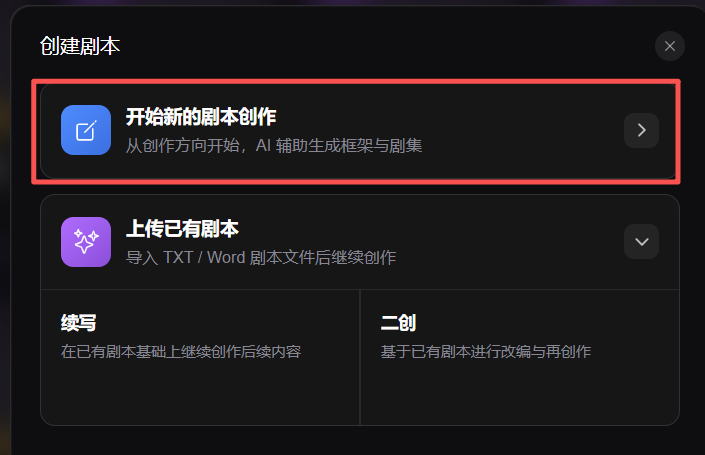
In the create-script dialog, select Start a new script and enter basic project information.
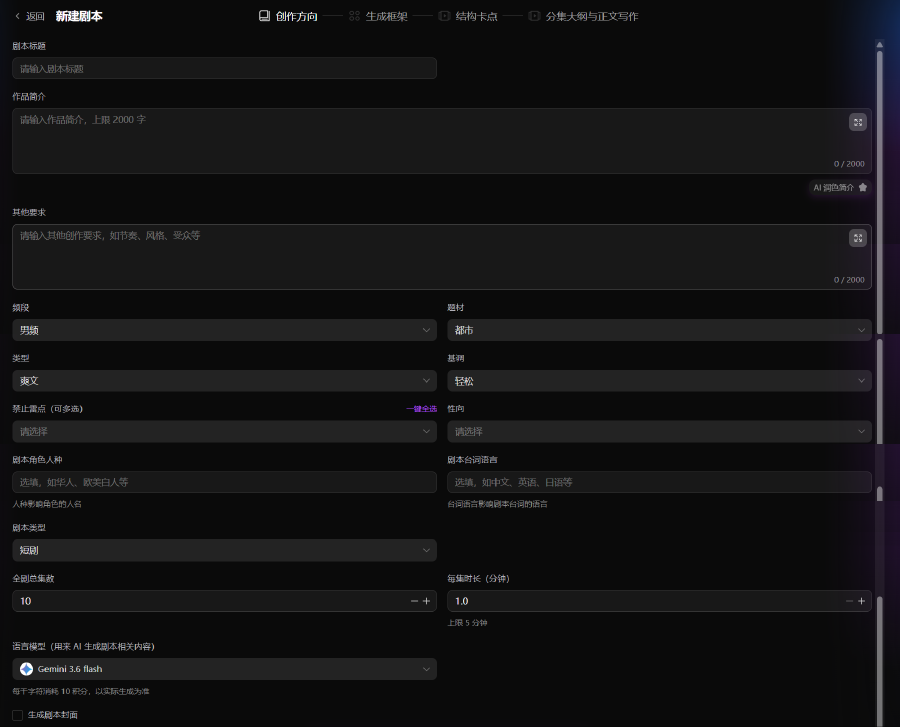
- Title and synopsis (up to 500 characters; AI polish synopsis available)
- Channel, theme, story type, tone (multi-select and custom); forbidden tropes
- Total episodes and per-episode duration
- Language model; optional cover generation—then continue to Generate framework
2. Generate Framework
Build world, characters, main plot, and volume pacing with AI or manual editing.
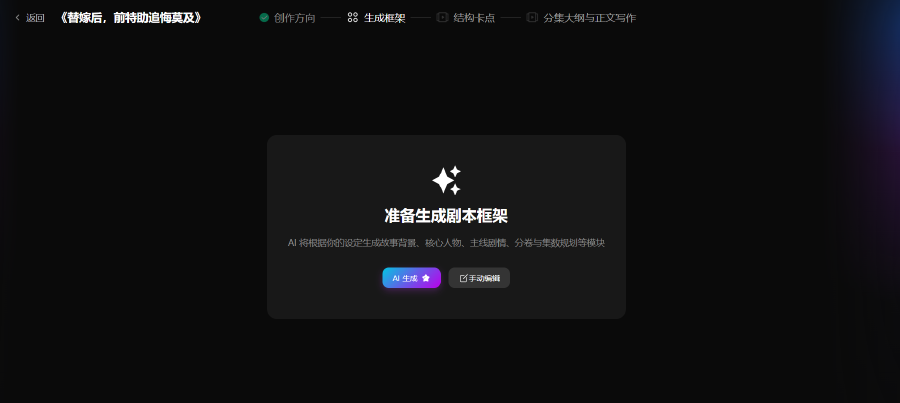
- AI generate or Manual edit for background, character map, main plot, volume plan, and highlights
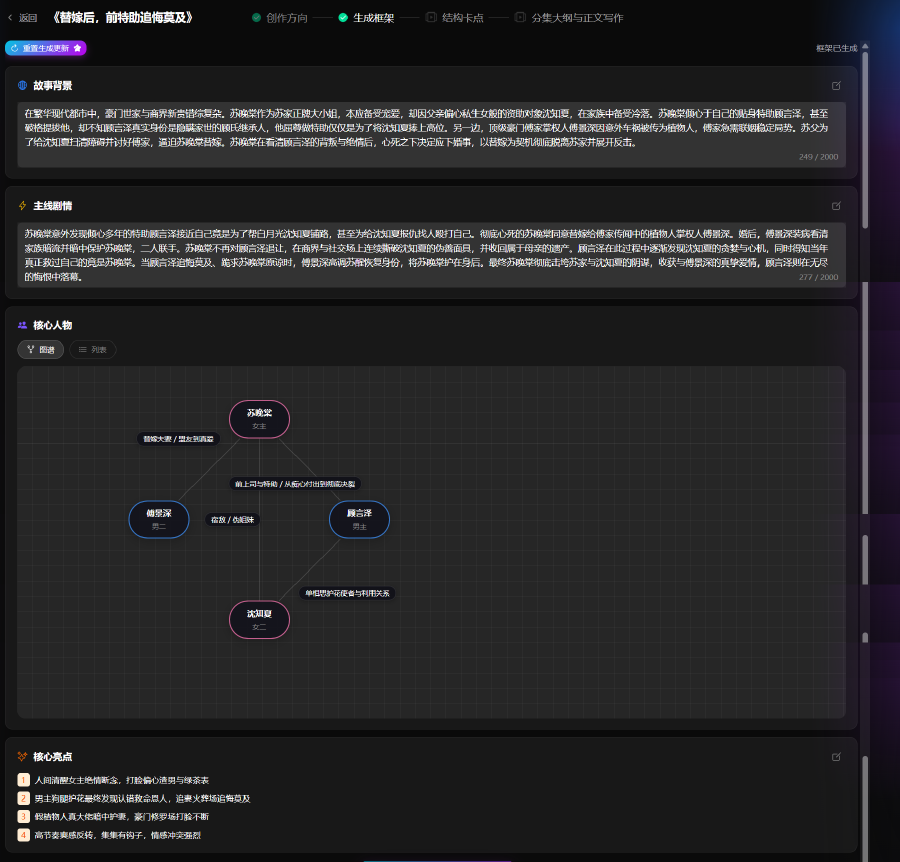
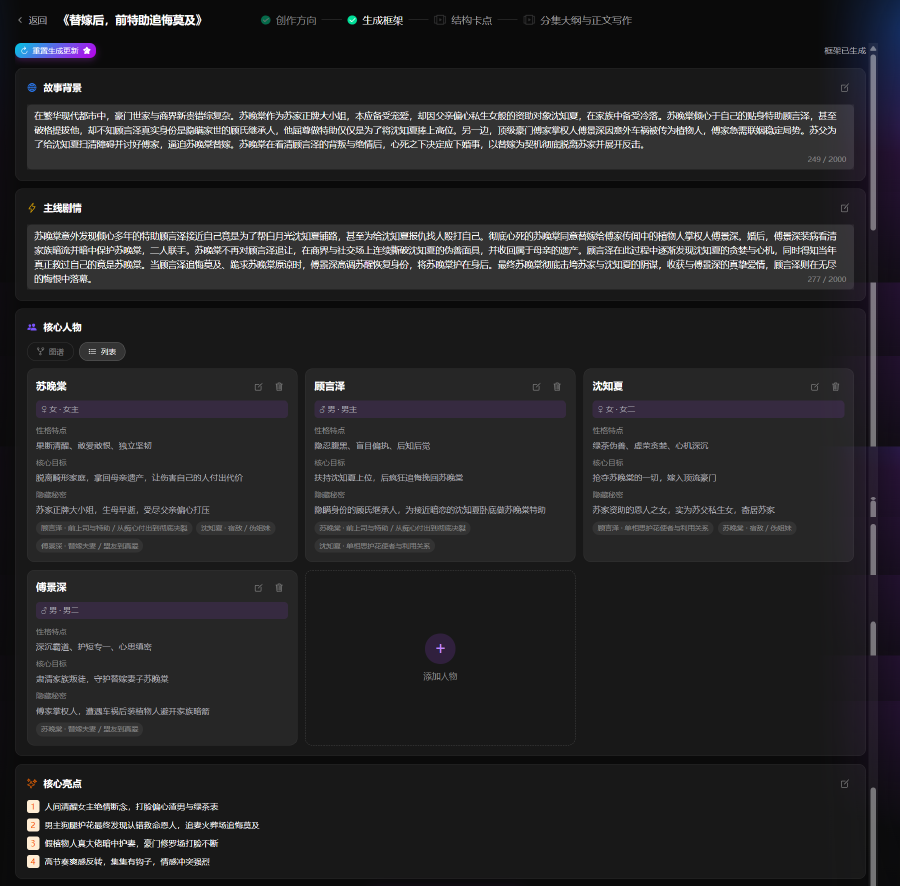
Confirm the framework to continue to structure beats.
3. Structure Beats
Define key structural beats and pacing across the series before episode outlines and manuscript writing.
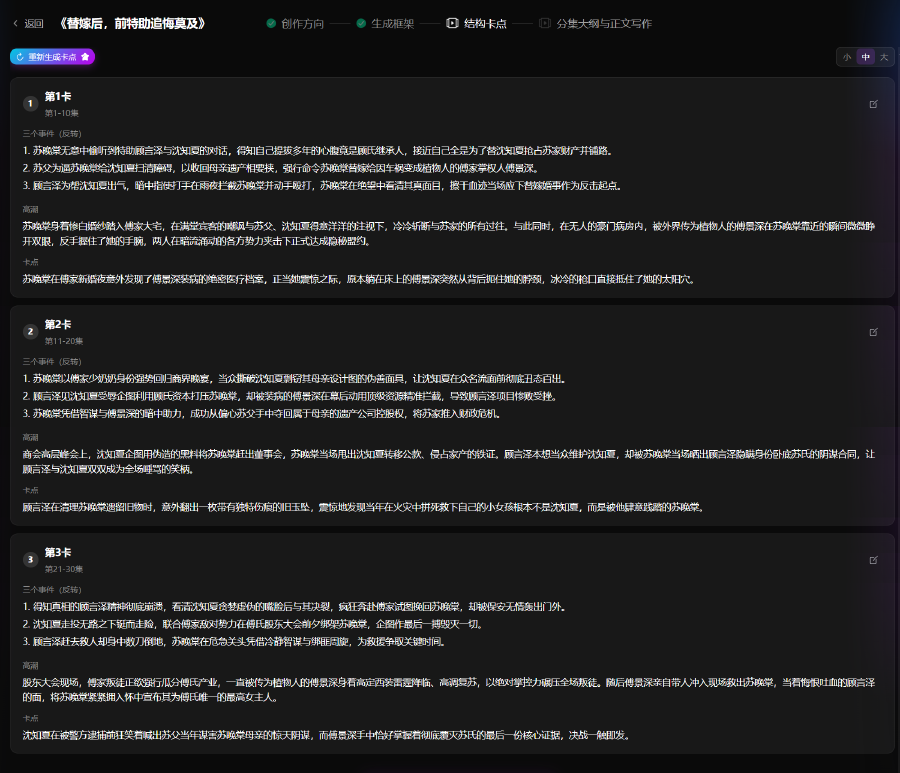

- View and edit beats by volume / stage; AI generate or manual adjust for coherent pacing
4. Episode Outlines & Manuscript
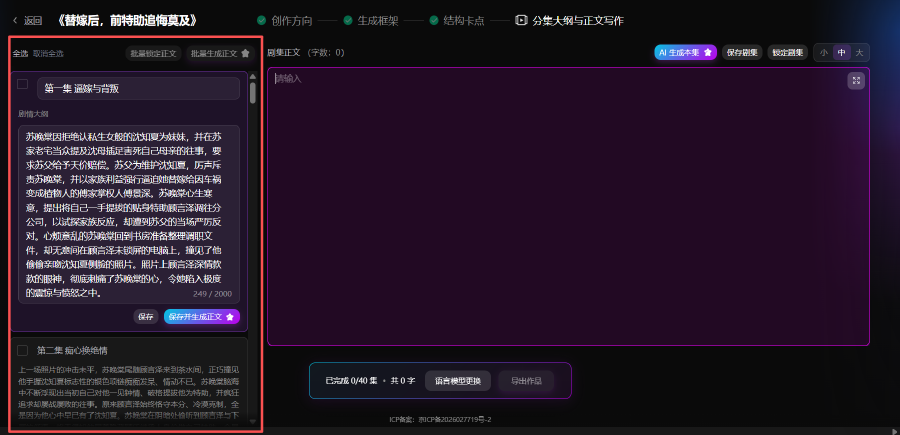
Generate episode outlines from structure beats, then write body text—single episode, batch, or full series.
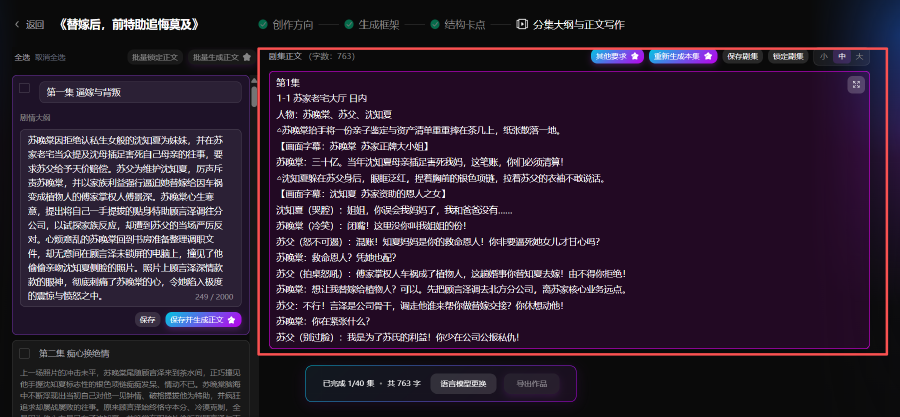
- Episode list by volume; outline and body editor; AI generate, save, lock episode
- Batch generate; export TXT or Word (DOCX) for Agent / Storyboard