
Settings
1. Script Processing
Re-parse script: Paste a new script or novel text; AI splits it into shots and creates characters and scenes, replacing all existing shots.
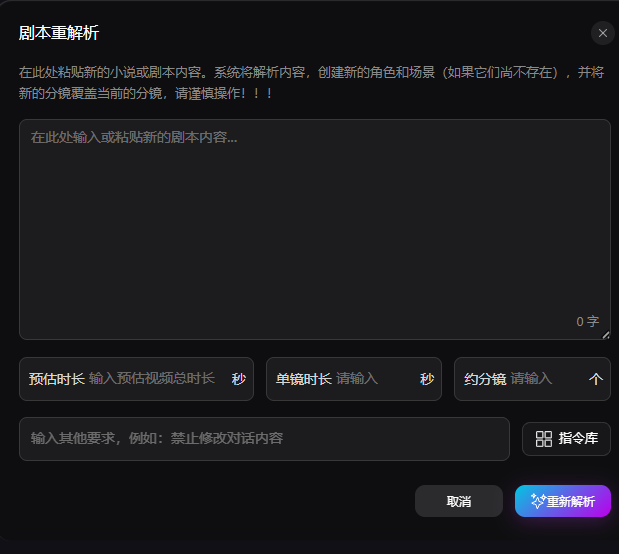
- Estimated duration: Total seconds for the full short drama
- Per-shot duration: Fixed seconds per shot
- Approx. shot count: Target number of shots to split into
- Additional requirements: Rules such as do not change dialogue or unify camera movement style; instruction library available
Workflow: paste content → set parameters → add constraints → click Re-parse to replace.
A + Auto-append script: Does not overwrite existing shots; newly parsed shots are appended after the current list.
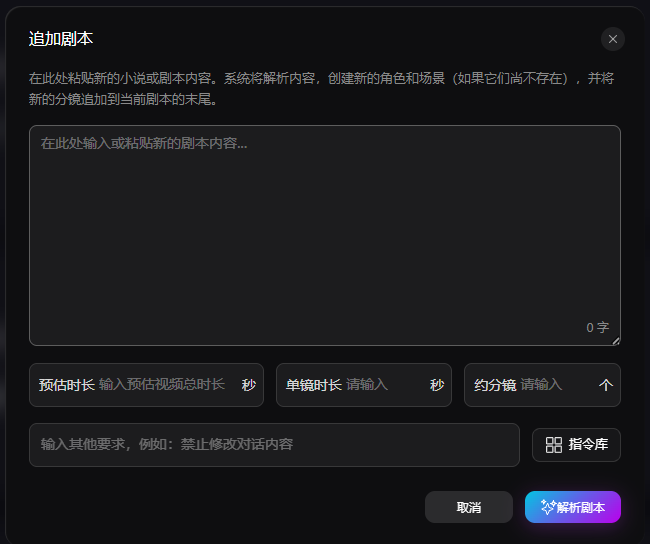
Manual script import: Paste a full manuscript and import/split into shots in one click.
Import storyboard spreadsheet (Excel): Batch-import from an external Excel storyboard sheet for standardized production.
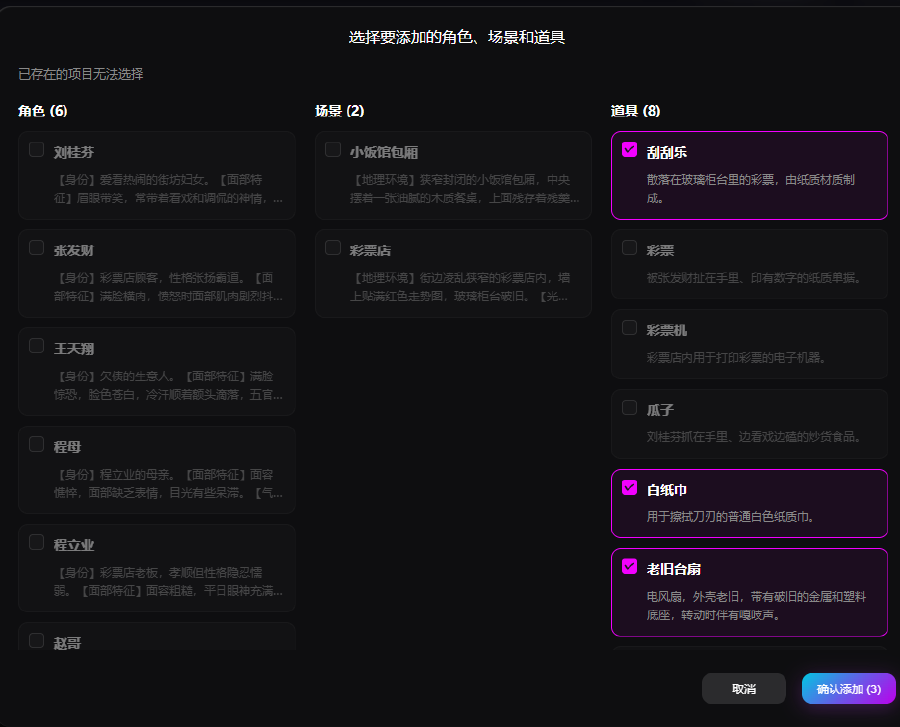
Parse characters, scenes, props: Automatically extract characters, scenes, and props from the script. Existing assets are grayed out; check new assets to add as needed.
2. Preview & Final Output
- Shot preview: Quick preview of a single shot to verify composition and character placement
- Export assets: Export the following:
- Alternate videos
- Placeholder images
- Character images
- Scene images
- Prop images
- Voice acting
- Export storyboard spreadsheet
- Export to CapCut draft
- Export stitched video: Concatenate all shot videos in order into one full episode
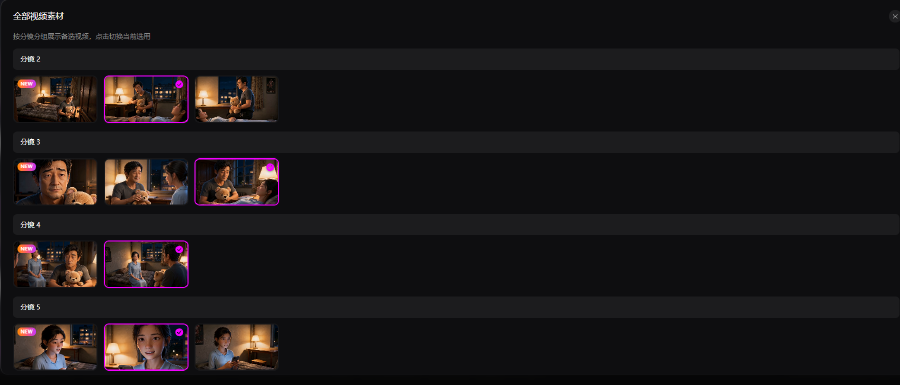
- Preview all video assets: Preview and choose among versions under each shot
3. Basic Settings & Other
- Work aspect ratio: 9:16 or 16:9
- UI zoom 90%: Adjust editor display size for multi-shot overview
- App info: Version and feature information
- Exit editing: Close the current project and return to the project list