
Project Creation
1. Create a Project
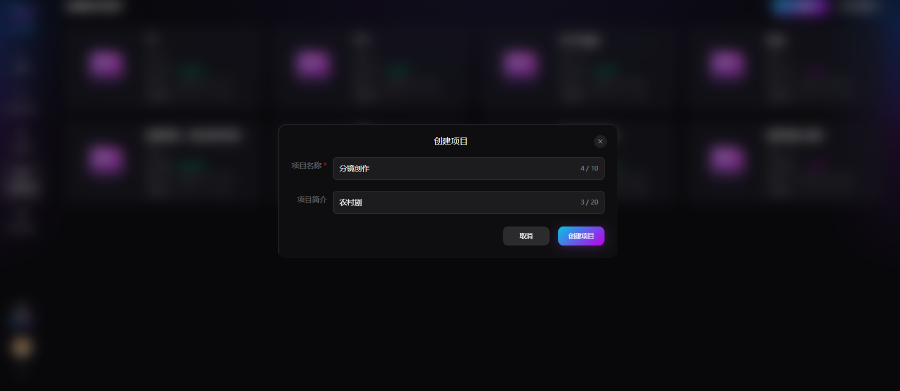
Enter a project name and description, then click Create. Project rule: one project can contain multiple works; in storyboard mode, one work corresponds to one episode.
2. Storyboard Creation Settings
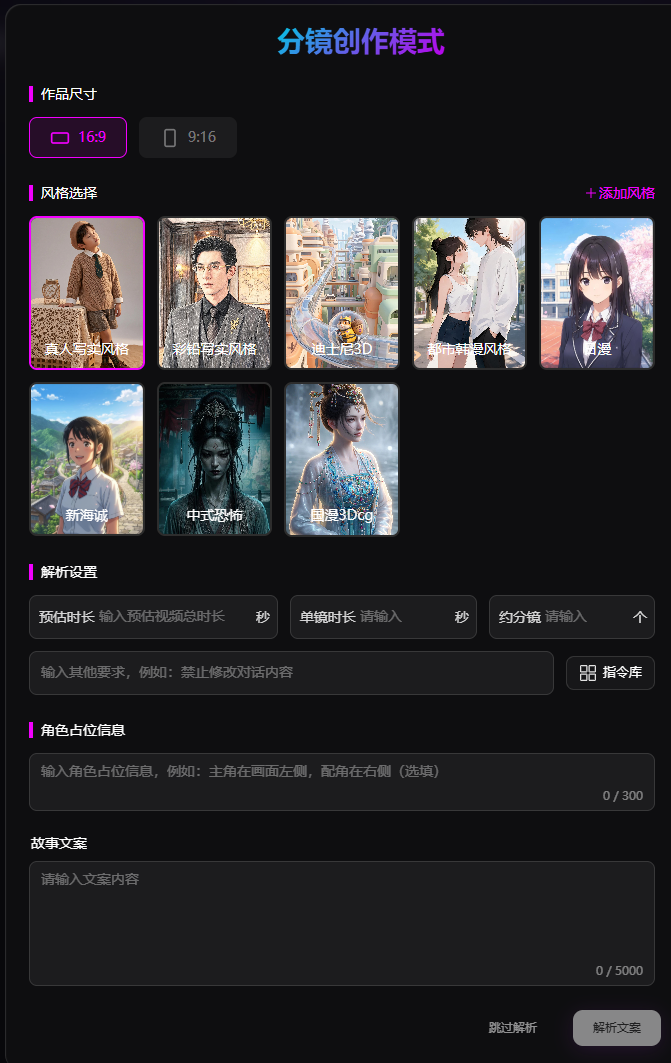
1. Work Aspect Ratio
- 9:16 vertical (recommended): Mainstream short-video format for mobile feeds with strong subject focus—ideal for short-drama distribution
- 16:9 horizontal: Standard cinematic widescreen for longer series, panoramic shots, and TV/large-screen playback
2. Style Selection
The platform supports multiple styles. AI renders all shots, lighting, and character texture consistently in the selected style, defining the visual tone. Available styles:
- Live-action realistic
- Colored-pencil realistic
- Disney 3D
- Urban Korean webtoon
- Japanese anime
- Makoto Shinkai
- Chinese horror
- Chinese 3D CG anime
- Custom
3. Parsing Settings
- Duration & shot count: Set total duration, per-shot duration, and estimated total shots; AI splits shots evenly to control pacing
- Additional constraints: Rules for visuals, shots, and characters (e.g. do not change dialogue, fixed camera movement); quick-insert built-in prompts supported
- Character blocking: Pre-label front/back and left/right positions to lock composition and reduce character drift and clipping
4. Story Text
Enter the story to be broken into shots. For best parsing, include six types of content:
- Split content by story beats
- Label scene, time, and atmosphere
- List characters in each segment
- Add actions, expressions, and emotions
- Enter full dialogue lines
- Mark climaxes, conflicts, and other key beats
5. Parse Script
Click to run fully automated professional breakdown:
- Auto-fill scenes, multi-layer shot sizes, and camera movement types
- Split long dialogue and balance emotional performance duration
- Design natural, breathing character motion
- Multi-angle coverage for key beats with smooth transitions, producing editable standardized storyboards
You can also choose Skip parsing and create shots manually.