
Storyboard & Video Management
1. Page Overview
After asset preparation, you enter this page to batch-generate storyboard scripts and videos, fine-tune individual shots, preview videos, and export full episodes. It is the core stage for final short-drama output.
2. Core Features
1. Generate Storyboard Scripts in One Click
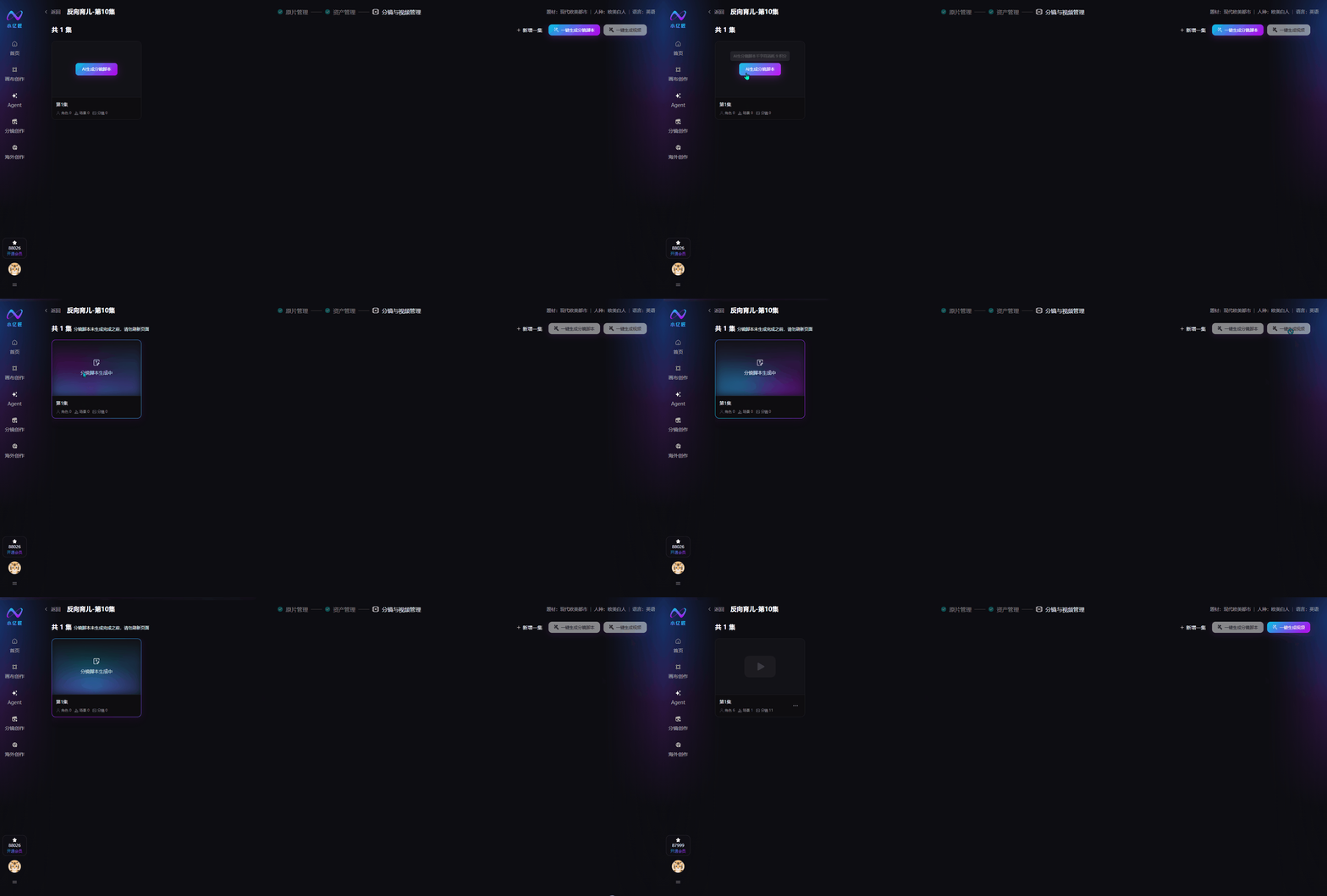
Select one or more episodes to batch-generate standardized storyboard scripts. The system links earlier script and asset data to match scenes, characters, and camera movement automatically.
2. Generate Videos in One Click
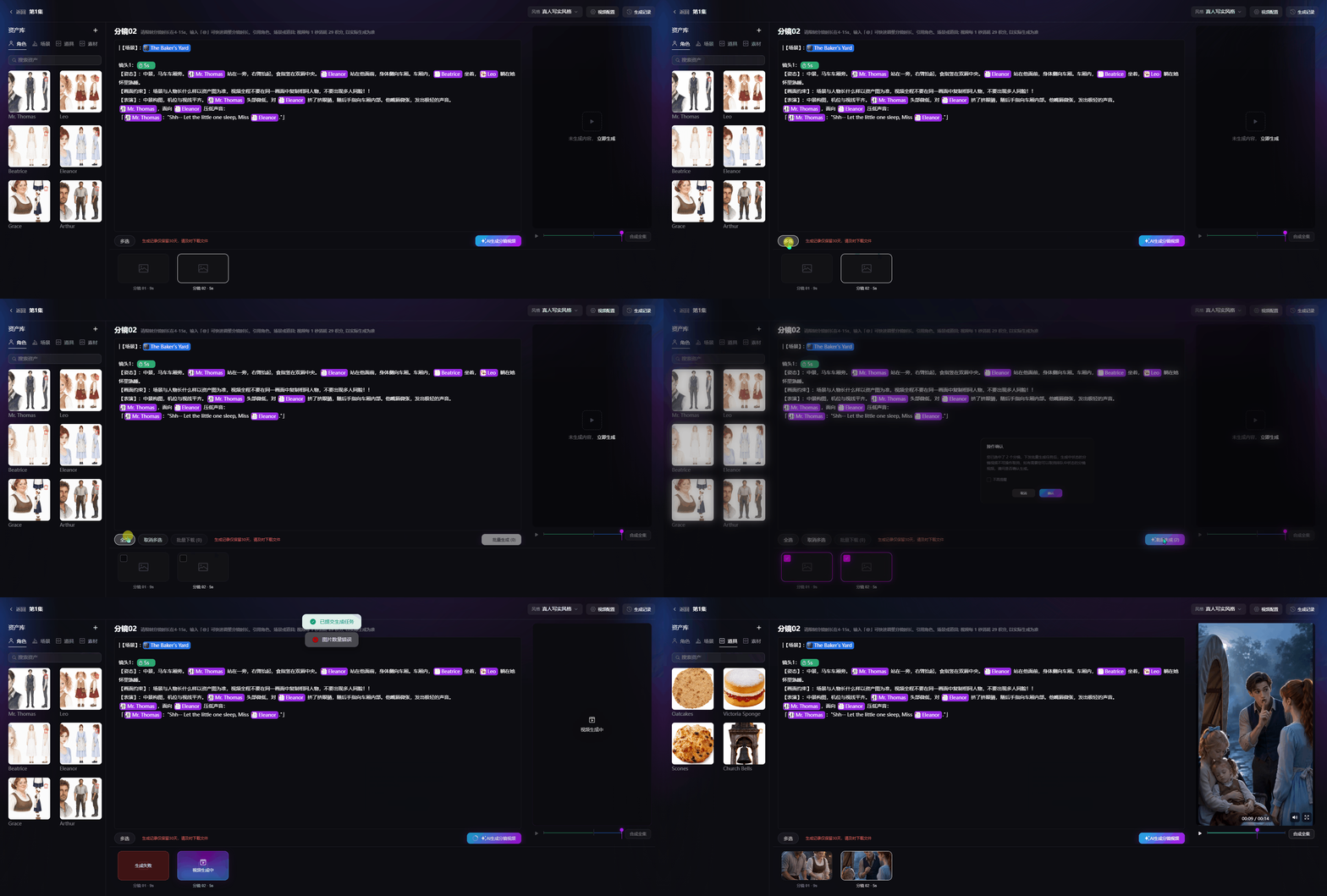
After confirming storyboard scripts, batch-select episodes and generate videos in one click. The system completes frame generation, character dubbing, and shot composition automatically.
3. Storyboard Script Editing
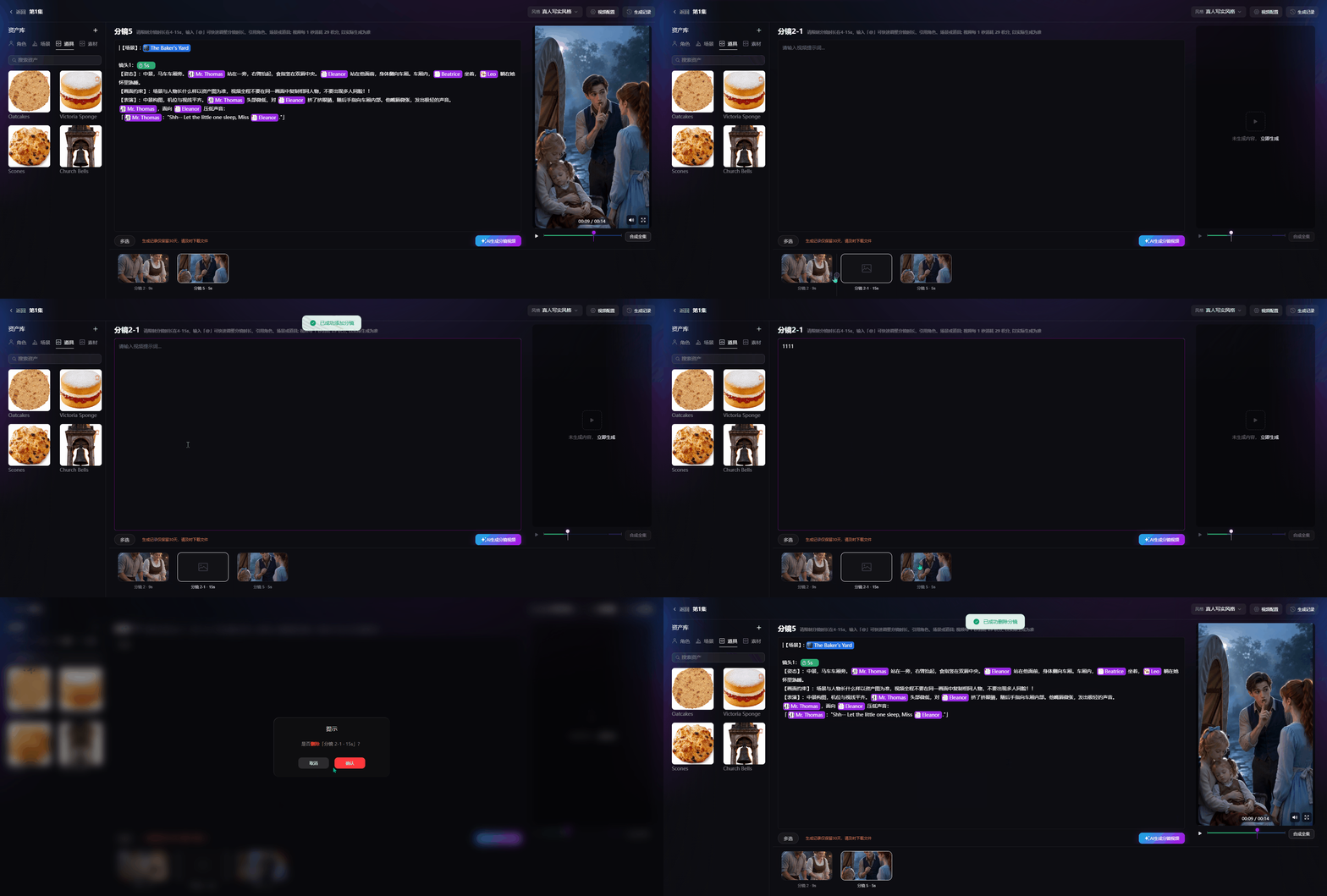
AI-generated storyboards support full fine-grained editing: modify or delete existing shot descriptions, insert or add custom shots, and flexibly adjust shot order, duration, and on-screen text.
4. Real-Time Asset Library Sync
The side asset list stays in sync with the asset management page. You can add, edit, or delete character / scene / prop assets, and changes apply to the current storyboard immediately.
5. Video Preview, Episode Composition & Download
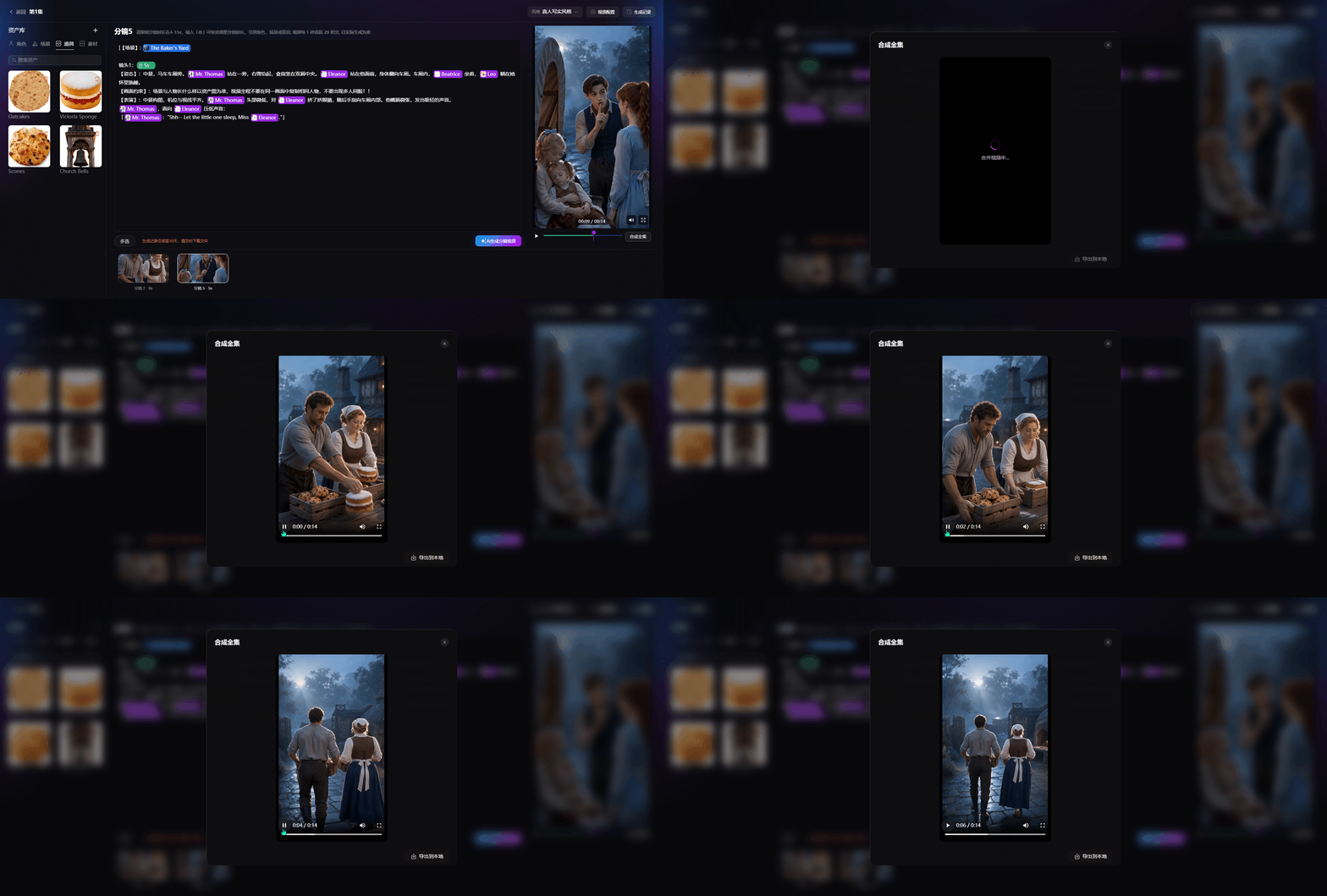
Preview each shot after generation. Select multiple storyboard segments to compose a full episode, then preview and download the finished video locally.