Model Configuration
1. Overview
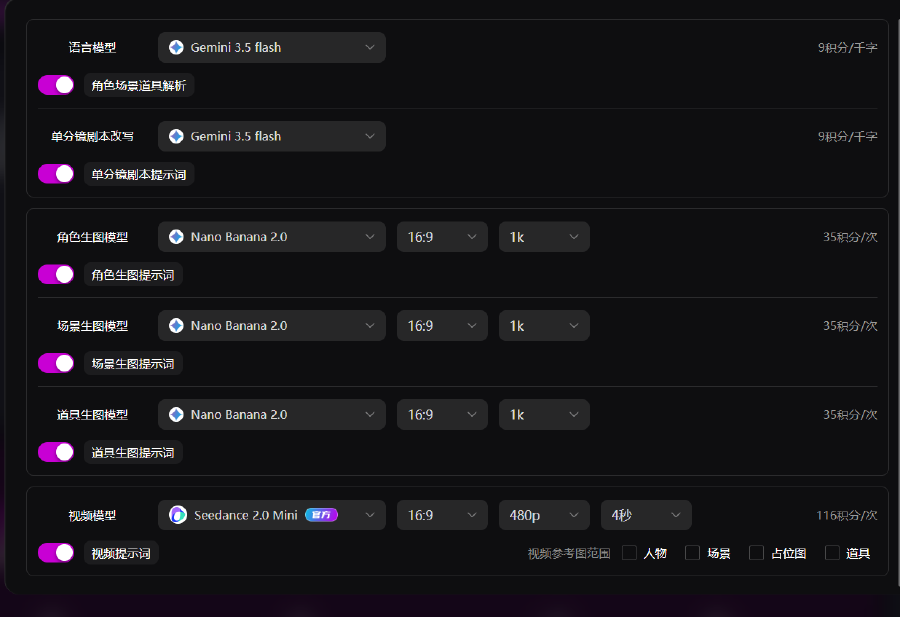
This panel is the master switch for AI generation parameters across the storyboard pipeline. Independently choose and configure the language model, character / scene / prop image models, and video model; set aspect ratio and resolution; enable dedicated prompt templates. Credit cost per action is shown on the right. All settings apply only to the current project.
2. Language Model Settings
1. Language Model
Character, Scene & Prop Parsing
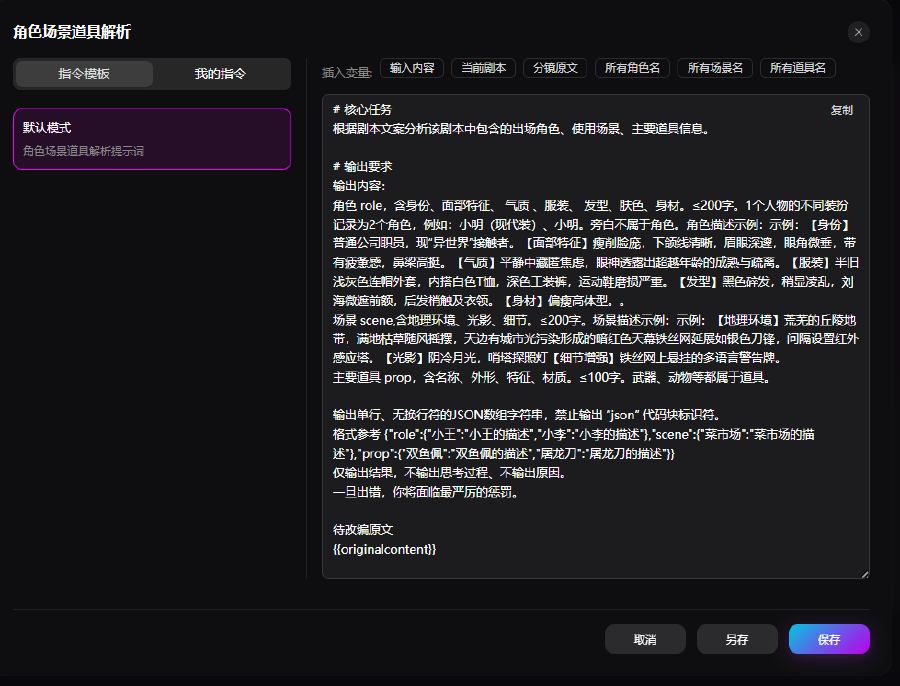
Used by the Parse characters, scenes, props tool. When enabled, generation runs with the preset template.
Templates support customization.
Single-Shot Script Rewrite
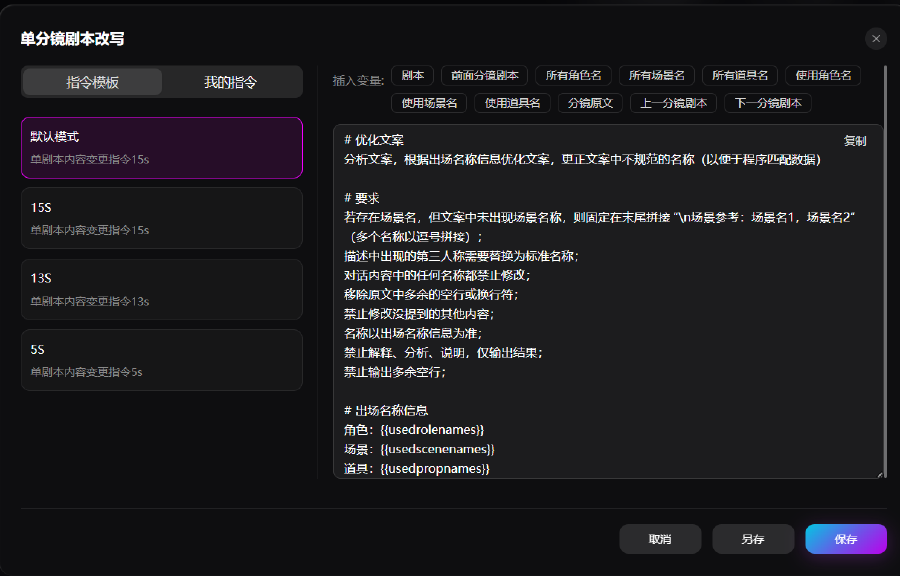
Used by the Single-shot script rewrite tool. Supports 5S / 13S / 15S model variants. When enabled, generation runs with the preset template.
Templates support customization.
2. Image Models
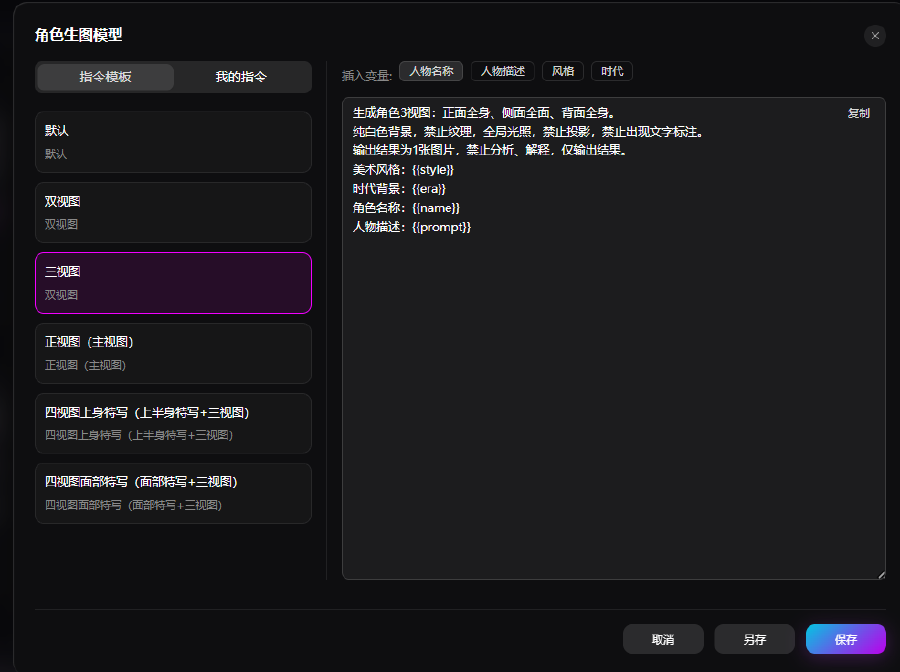
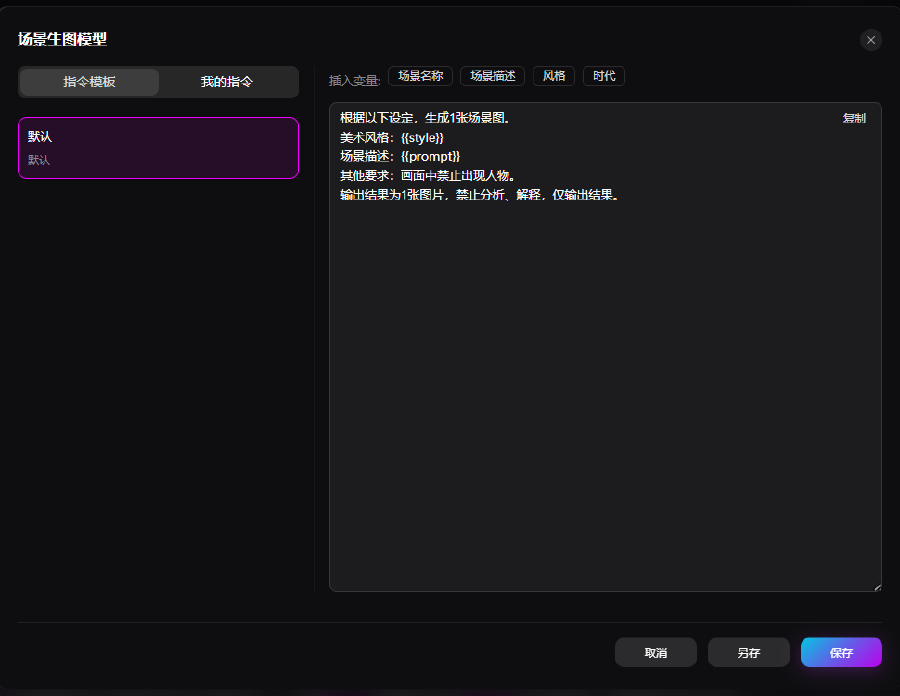
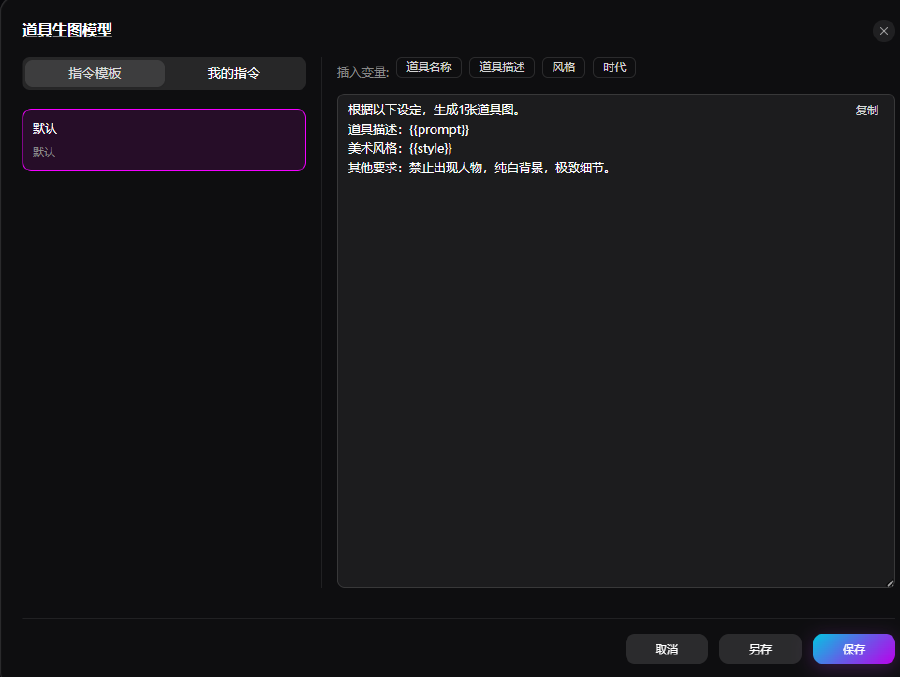
Character / scene / prop image models: choose system templates or custom templates.
3. Video Model
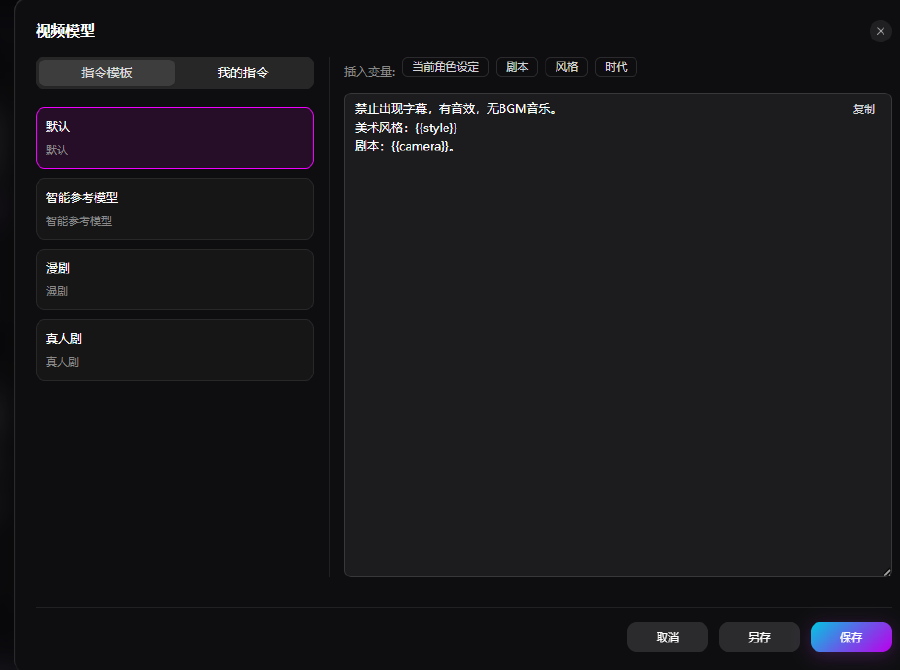
Templates support system and custom options.