
Script Management
1. Page Overview
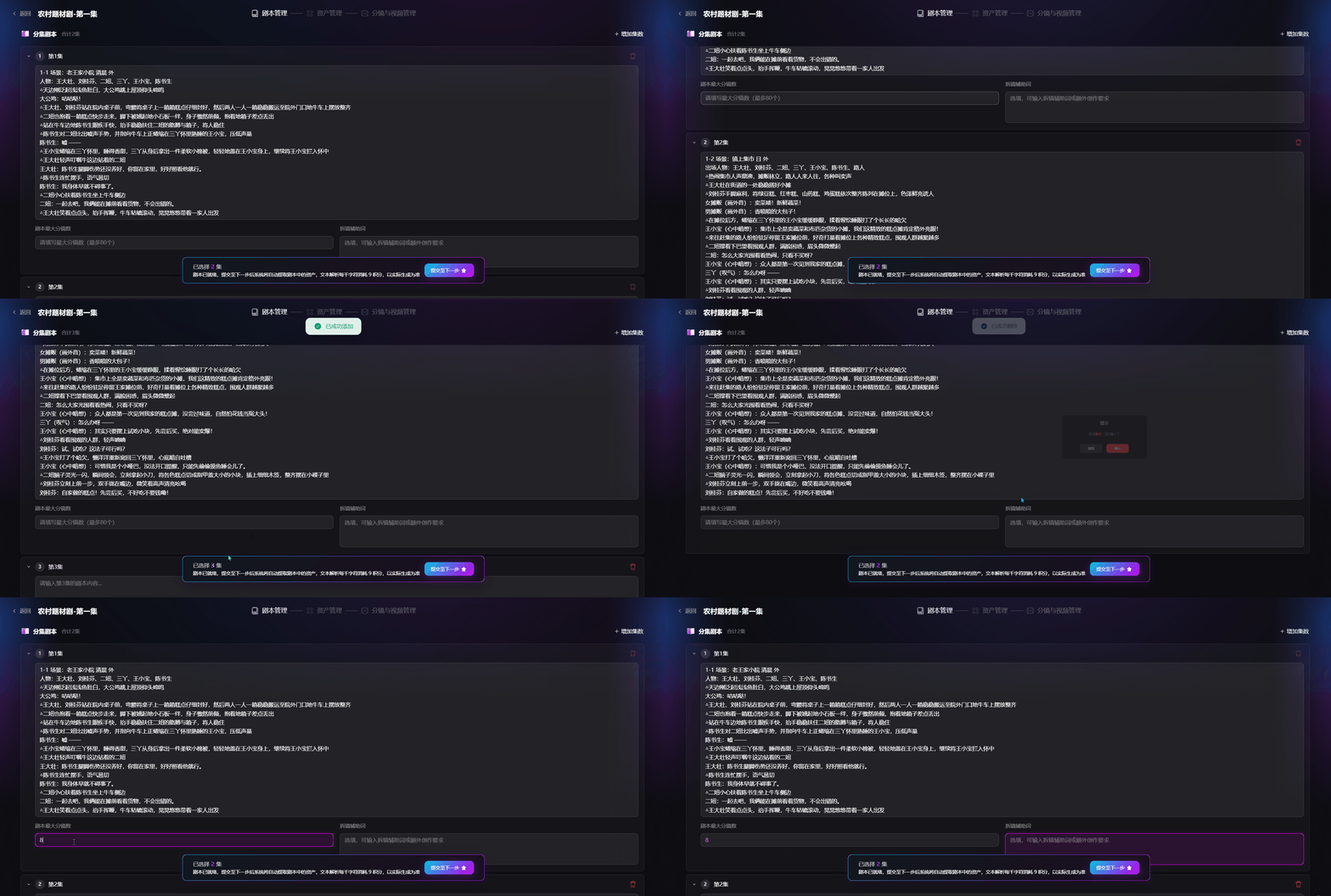
The script management page lets you view, edit, and adjust uploaded episode scripts, configure storyboard-splitting parameters, and submit the script for asset extraction.
2. Core Features
Episode Scripts
The system automatically displays episodes based on the uploaded script. You can edit scenes, shot descriptions, dialogue, and all other script content online.
Max Shots per Episode
Set the maximum number of shots per episode. AI uses this value as a reference when splitting shots to control shot density.
Storyboard Assist Prompt
Storyboard assist prompts help automatically generate standardized professional shot instructions from the original script, filling in full production shot specifications and giving AI video generation precise, actionable guidance.
Add Episode
Manually add a blank episode to expand the story.
Delete Episode
Manually remove episodes you no longer need.
Submit Script
After confirming all script content and parameters, click submit. The system identifies characters, scenes, and props in the script, batch-generates asset prompts, and routes the project to asset management.